Preserving image quality during resizing requires a solid understanding of resolution and aspect ratios. Most quality loss occurs when users ignore proportions or over-compress files. To maintain sharpness, always keep the original aspect ratio locked to prevent distortion. When decreasing size, downscale in small, controlled steps for better pixel interpolation. Avoid the urge to enlarge small images, as upscaling inherently introduces blur and pixelation—unless using advanced AI tools. Choose the correct interpolation method, such as Bicubic Sharper for downscaling, to retain crisp edges. Export your files at an appropriate resolution for their intended use. Always perform a side-by-side comparison with the original image to verify that clarity and color accuracy remain intact.
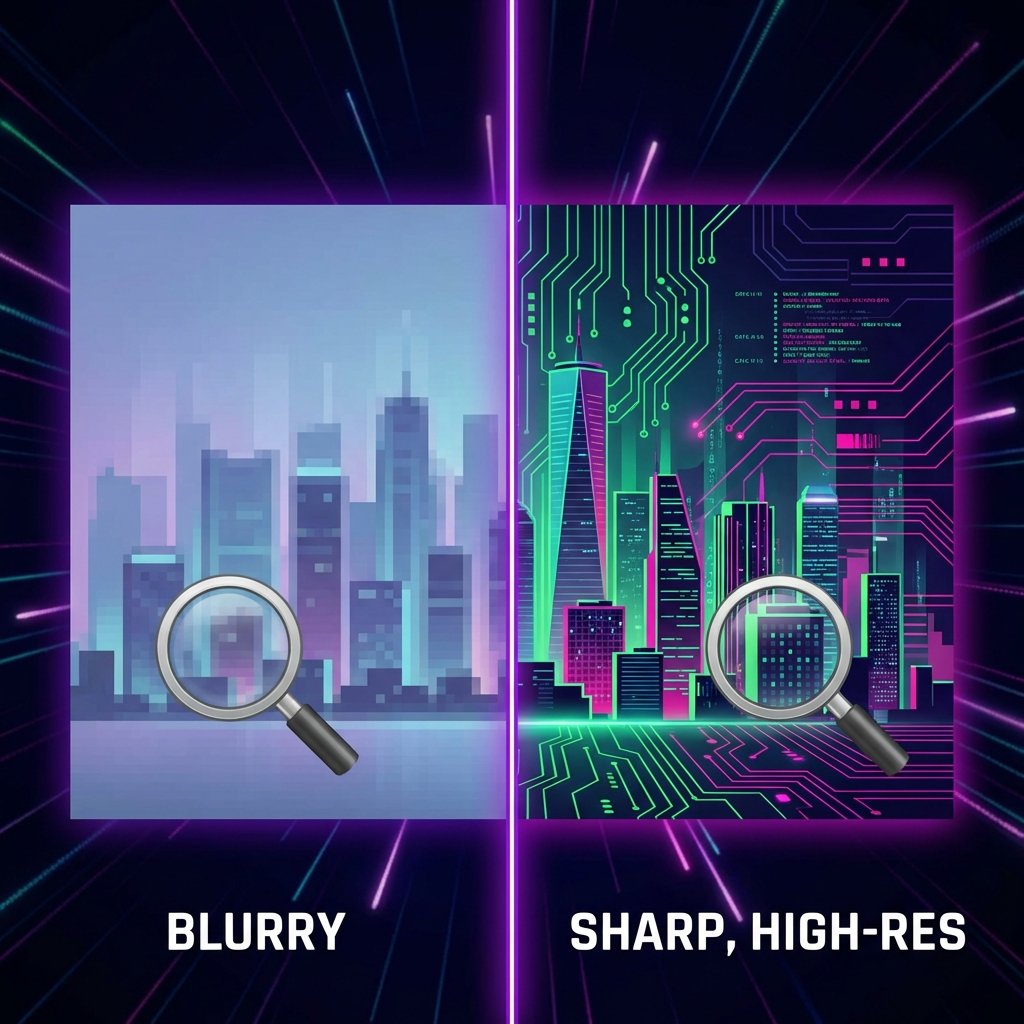
How to Resize Images Without Losing Quality
January 2026 Instant Image Resizer 1 min read